Projects
Github projects are a tool of Github that allows for management of the progress of a project and allows a visualization of tasks/issues and where they are in the development process.
Visual Styles
Table
A simple table like view of tasks that shows the title of the task, assignees, status, and any relevant linked information

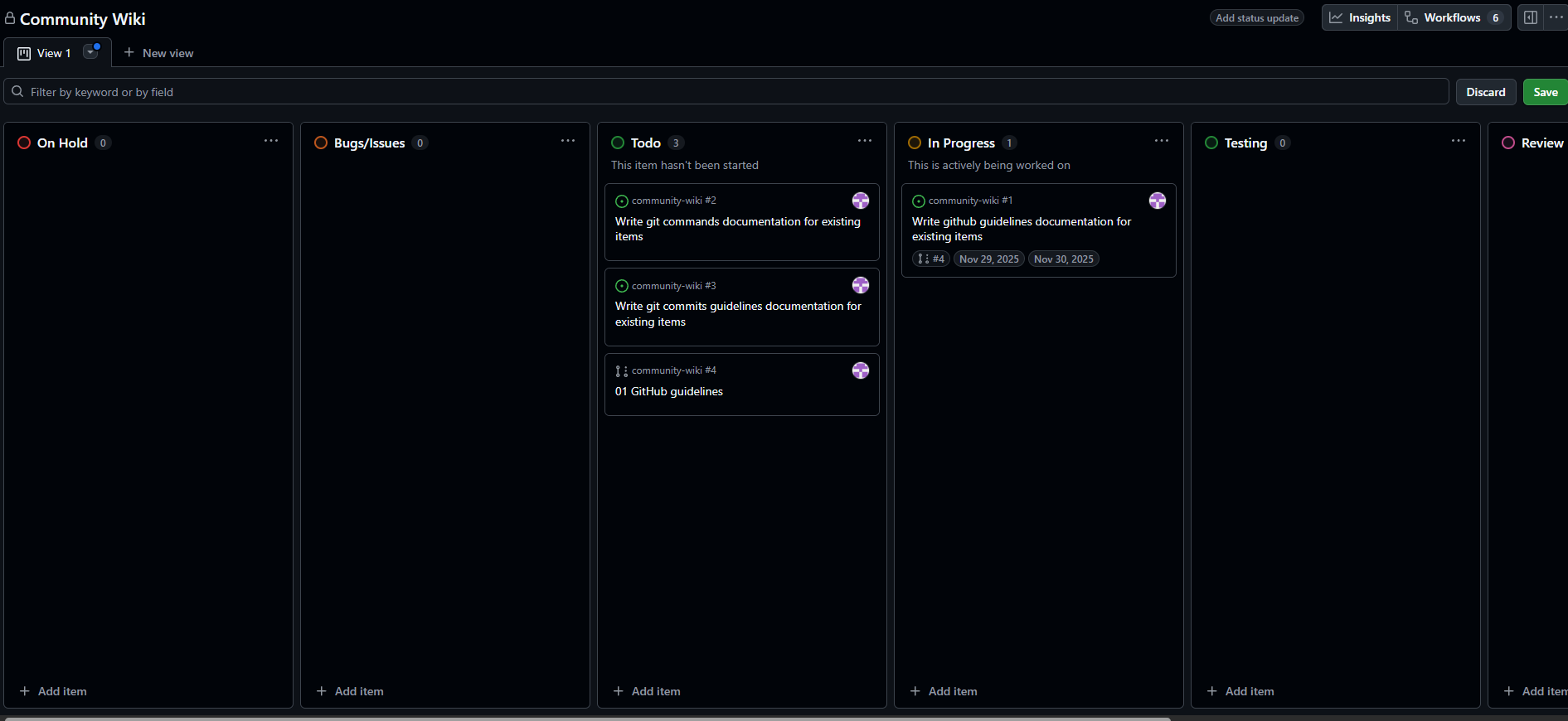
Board
A task board that splits tasks across the different statuses available and allows for easily moving tasks between statuses
Roadmap
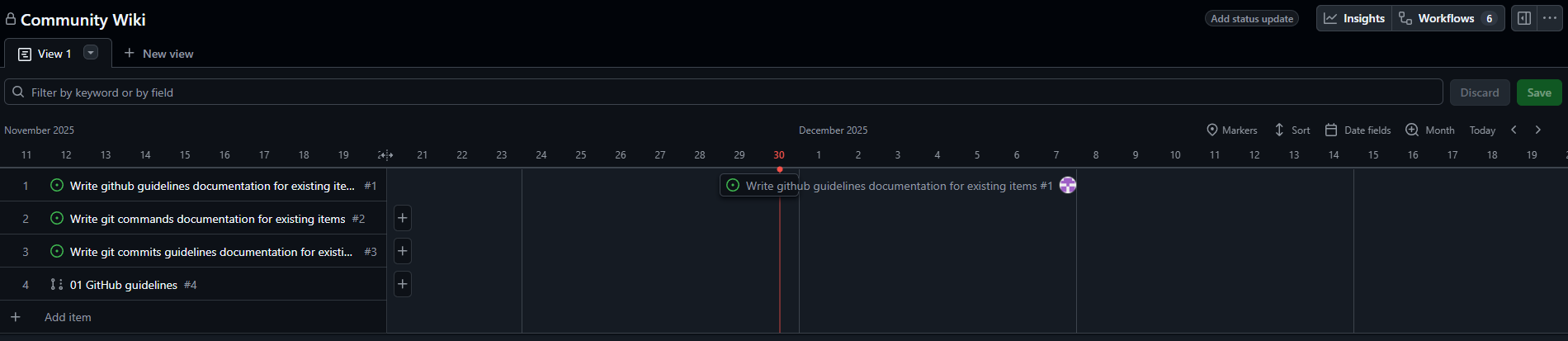
A gantt chart that allows for easily labeling when certain tasks are started and when they are completed along with including potentially more date labels when it changes status
Status Sections
Projects can have custom sections but there are a number of sections that can be used as a starting point that cover most of the different statuses that a project would need:
On Hold: Tasks that are currently on hold while another task is finished or another issue in completing the task is presentBugs/Issues: Tasks that address specific bugs and issues in the current implementationFeatures: Tasks that enchance the project in some formIn Progress: Tasks that have been started by someoneTesting: Tasks that have been implemented and are currently having tests written or is being activly testedReview: Tasks that have been implemented and tested but are waiting for a review of the task to be completed before mergingDone: Tasks that have been fully completed and merged
Creating Tasks
To create a task click the + icon at the bottom of any view and select Create new issue which will open a screen similar to the one that appears when creating a new issue which is described in the Github issues section of this documentation.